Nowy standard. Twoje centrum tworzenia inteligentnego, szybkiego i zrównoważonego oprogramowania AI

Spis treści
You can create an iOS App Clip in React Native in two ways: let an Expo config plugin generate the App Clip target for you, or add the target yourself in Xcode and point it at a separate JavaScript entry file.
Either way, the clip lives in the same project as your full app and ships with it through the App Store. The harder part is the size budget: Apple allows up to 100MB for clips opened from links on iOS 17 and later, but still only 15MB for clips launched from a QR code, NFC tag or App Clip Code.
React Native's runtime takes up a real share of that. This guide covers what App Clips are good for, how to build one with React Native, and what to plan for before you commit.
Executive Summary
An App Clip is a small part of an iOS app that people can open instantly, without installing the full app, to finish one task, like paying for parking or ordering food.
React Native teams can build one with the react-native-app-clip or expo-apple-targets config plugins, or by adding an App Clip target in Xcode by hand. The main constraint is size: 15MB for physical invocations, which forces you to pick native dependencies carefully.
There's also no Android counterpart anymore, since Google shut down Google Play Instant in December 2025. An App Clip pays off when your product has a clear in-the-moment use, not as a general-purpose app demo.
What Are iOS App Clips?
App Clips are lightweight parts of iOS apps that users can launch instantly, without installing the full app. Think of App Clips as bite-sized pieces of apps that you can use right away. But they're not really about giving people a test drive or demo of the app. Instead, they take one specific thing you want to do (like paying for parking or ordering coffee) and make it quick and easy to do right when you need it.
Apple introduced App Clips at WWDC 2020 with iOS 14. A clip can't exist on its own: it has to belong to a full app in the App Store, and Apple describes it as a small part of that app that people discover at the moment they need it. When they're done, you can offer them the full app.
When Should You Build an App Clip?
Build an App Clip when your product has a physical place or a shared link where someone needs to do one thing fast. A good example is a food delivery app's clip that lets you order a meal from one specific restaurant on the spot, then invites you to download the full app to access more restaurants.
Content sharing works too. At WWDC21, Apple showed TikTok's App Clip: when a friend sends a TikTok video and you don't have the app, Messages offers the clip instead of a web page, so you can watch it right away.
App Clips also help with continuity. If the user decides to get the full app, you can carry over what they've already entered, so they don't have to start again.
An App Clip is the wrong tool when there's no clear "right now" moment. If people would use the clip once and never come back, or if the task needs features App Clips can't use (more on that below), a good mobile website or a direct App Store link is cheaper and does the job.
What Changed for App Clips in iOS 16 and iOS 17?
Since their introduction in 2020, Apple has steadily made App Clips more capable. The size limit grew from 10MB to 15MB in iOS 16. Starting with iOS 17, a clip can be up to 100MB uncompressed, but only if it supports digital invocations alone (links from Safari, Messages or Spotlight, for example) and doesn't support iOS 16 or earlier. Clips that people open from App Clip Codes, QR codes or NFC tags stay at 15MB. These limits are listed in Apple's App Clip documentation.
Another iOS 17 feature is the ability to open another app's App Clip from inside your app, with a rich preview from the LinkPresentation framework or a plain link. For instance, a meal-planning app could open a grocery app's clip so users can order the ingredients for their planned meals in a few taps.
A small but useful change came in iOS 16.4. App Store Connect now generates a default App Clip link for every app with a clip, in the format https://appclip.apple.com/id?p=bundle-ID&key=value. You can add your own key-value parameters, and the App Clip reads them at launch. If your App Clip is a demo for a mobile game, for example, a parameter could set which character the user starts with.
How Do You Create an App Clip in React Native?
If you have a native iOS app, follow Apple's App Clip documentation. For React Native apps, there are two routes: use an Expo config plugin, or set up the App Clip target by hand.
Using an Expo config plugin
The simplest option is the react-native-app-clip Expo config plugin. You install it with npx expo install react-native-app-clip, add it to the plugins list in app.json with your clip's name, and run npx expo prebuild. The plugin creates and configures the App Clip target, so all that's left is to write the actual App Clip code in React Native. It also exposes options for an App Group, ephemeral notifications, location confirmation and excluding packages to save space.
A second option is Evan Bacon's expo-apple-targets, which generates many kinds of Apple targets, App Clips included, and can bundle your React Native code into the clip. It needs Expo SDK 53 or later, and its README says App Clip code signing isn't fully automated yet.
Both plugins move quickly with each Expo SDK release, so check the README for the version that matches your SDK. Also note that App Clips can't be tested in Expo Go or a development client: you need a native build on a simulator, a device or TestFlight.
Setting up the App Clip target manually
If you don't use Expo, or you need full control over the native project, you can set the clip up yourself.
Create a new target. In Xcode, add a new target using the App Clip template. Xcode embeds it in the full app and sets the parent application entitlement.
Configure CocoaPods for both targets. Add the App Clip target to your Podfile so it gets React Native too. Autolinking pulls every native module into both targets, which can blow the 15MB budget, so list only the native pods the clip actually needs for its target.
Create a separate JavaScript entry point. Add an
index.appclip.jsfile that registers your App Clip's root component. This is where the clip's React Native code lives, separate from the full app's screens.Point the native entry at the new bundle. In the App Clip's
AppDelegate(Swift in current React Native templates), load the bundle for theindex.appcliproot and the component name you registered. For release builds, setENTRY_FILE=index.appclip.jsin the clip's "Bundle React Native code and images" build phase.Update
Info.plistand entitlements. Add theNSAppClipkeys you need (such as ephemeral notifications or location confirmation) and anappclips:associated domain for your website.Build and run the App Clip. Build the App Clip scheme in Xcode and test it with a test invocation URL before you upload it to App Store Connect.
How Do Users Open an App Clip?
The whole App Clip concept depends on invocations: a signal that tells iOS which clip to show and with what data. A user can open an App Clip by:
scanning an App Clip Code, Apple's own circular code, which can also carry an NFC tag;
tapping an NFC tag or scanning a QR code;
tapping a Smart App Banner in Safari or a link shared in Messages;
tapping the App Clip on a place card in Apple Maps;
finding it in Spotlight search, or in the Recently Used section of the App Library;
tapping a link to it in another app (iOS 17 and later).
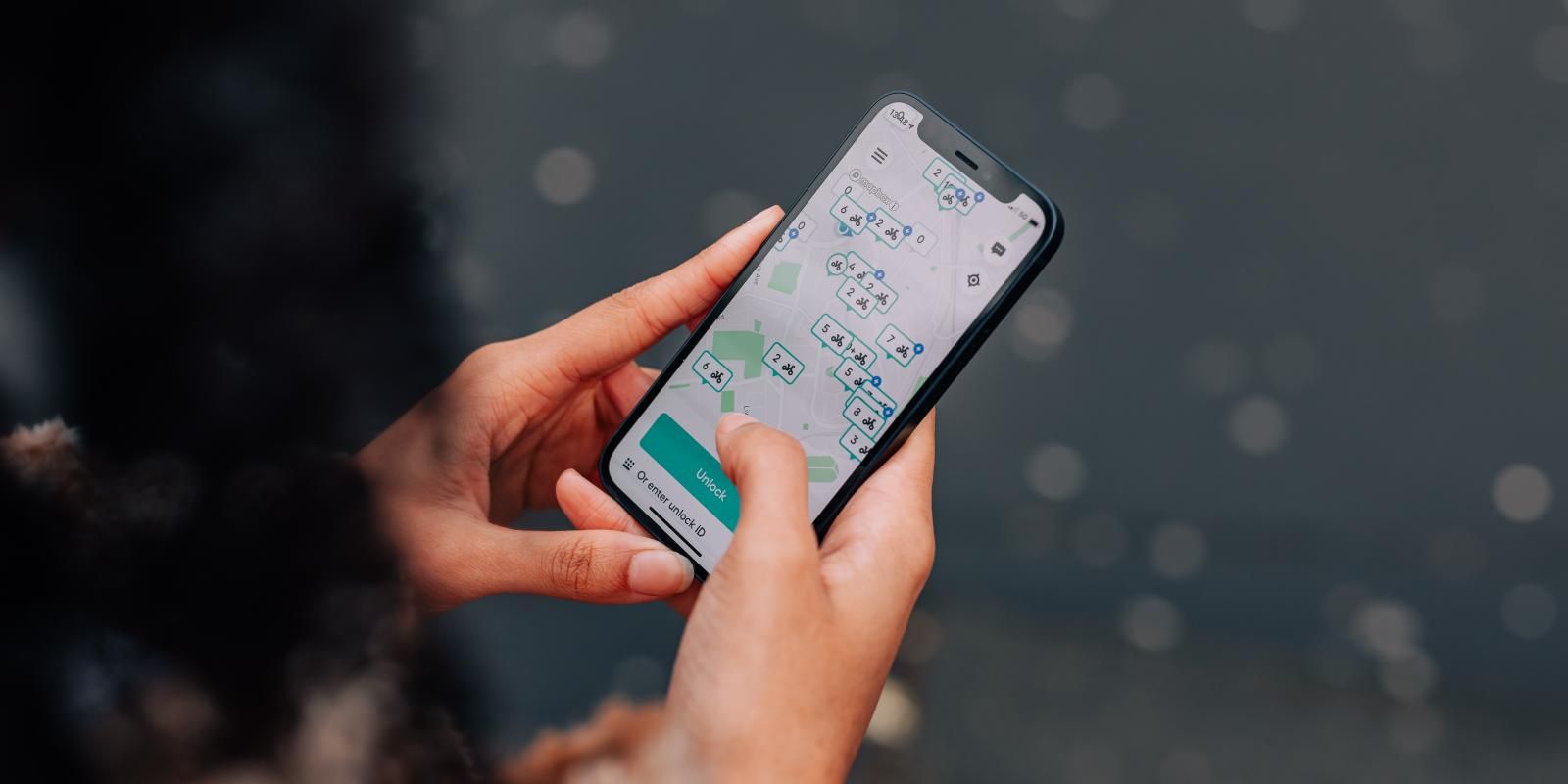
Physical invocations, such as codes, tags and QR codes, make App Clips a natural fit for places like parking lots, restaurants, rental bikes and scooters and retail shelves.
What Limits Should You Plan For With a React Native App Clip?
Size comes first. React Native adds its own runtime to the clip before you write a single screen, so every native dependency counts. When Shopify built a React Native App Clip for the Shop app under the old 10MB limit, a "Hello World" clip that pulled in all of the app's native dependencies weighed 28MB. Listing only the required pods brought it to 4.3MB, and the finished clip came in at 9.1MB. They also chose to copy some code instead of sharing it with the full app, so a change in the main app couldn't push the clip over the limit. If you need physical invocations, assume you're working with 15MB and measure every build.
App Clips also can't use some iOS features. According to Apple's list, there's no background activity, no HealthKit, Contacts or Photos data, no continuous location and no app tracking, and App Clips can only share data with their own full app. Notifications are limited too: a clip can ask for ephemeral notification permission that lasts up to 8 hours after launch. If your flow needs any of the blocked features, it belongs in the full app.
To hand data over to the full app when the user installs it, use a shared App Group container or the keychain. With the Expo plugin, the README recommends expo-secure-store, which shares data through the keychain on iOS 15.4 and later.
Is There an Android Equivalent to App Clips?
Not anymore. Google Play Instant, launched in 2017, let Android users open part of an app without installing it, within a 15MB limit. Google shut it down in December 2025: Instant Apps can no longer be published, and the Instant APIs stopped working. Google now recommends sending users to the full app with deep links to the right screen.
For a React Native team, this means an App Clip is an iOS-only feature. On Android, the same QR code or link should open a mobile web flow or a deep link into the Play Store listing. Plan both paths from the start so Android users don't hit a dead end.
Key Takeaways
React Native App Clips can be built with an Expo config plugin or by adding an App Clip target in Xcode manually.
Clips opened by QR codes, NFC tags or App Clip Codes are still capped at 15MB; link-only clips on iOS 17+ can reach 100MB.
Native dependencies decide whether you fit the limit: list only the pods the clip needs.
App Clips can't use background tasks, HealthKit, Contacts or continuous location.
Google Play Instant is gone, so Android needs a web or deep-link fallback.
Is an App Clip Worth Building for Your React Native App?
An App Clip is worth it when you can name the exact moment it serves and keep it small enough to load instantly. That means a tight scope, a strict native dependency budget, a plan for handing data to the full app, and an Android fallback. If you're unsure whether your product has that moment, or how much of your existing React Native code a clip could realistically reuse, our mobile development team can help you weigh it before you build.
iOS App Clips in React Native FAQ

Barbara Banaszak
Former senior Javascript Developer

Experienced React and React Native developer with over 5 years of expertise in building, optimizing, and scaling web and mobile applications for medtech, edtech and more. Barbara has developed cross-platform solutions ranging from MVPs to large-scale applications with strong market presence. Skilled in Redux, TypeScript, TanStack Query, GraphQL, GitHub Actions, and other tools essential for performance and scalability.