Nowy standard. Twoje centrum tworzenia inteligentnego, szybkiego i zrównoważonego oprogramowania AI
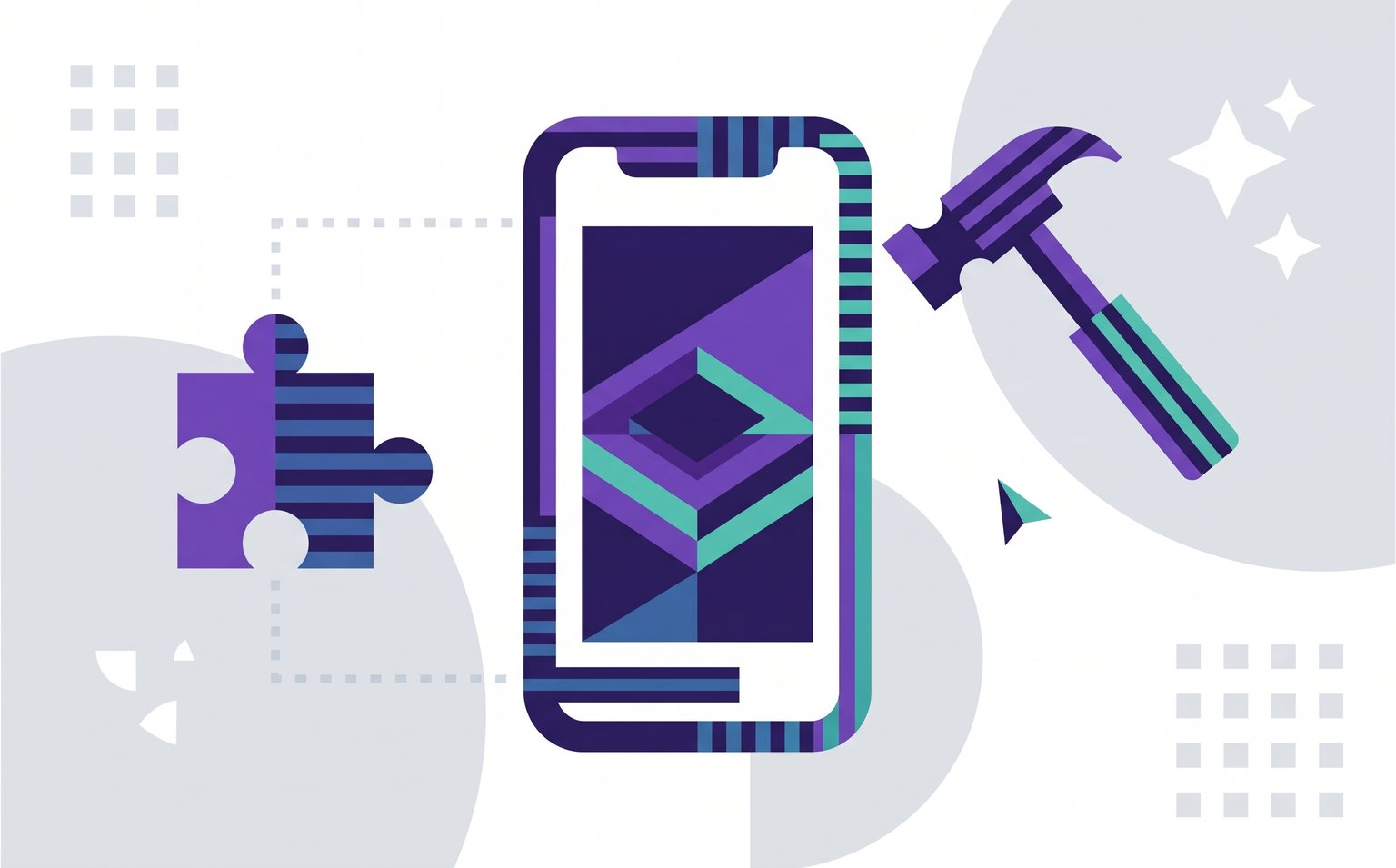
Table of Contents
Flutter app development means building one app in Dart, from a single codebase, and shipping it to iOS, Android, the web and desktop. It pays off when you need the same product on several platforms and want one team to own it, and it's a weaker fit when your app lives on brand-new, platform-specific features.
Flutter has also changed a lot since its early days: a new rendering engine, design libraries moving out of the core SDK, and quarterly releases. Below, we explain when we recommend Flutter to clients, when we don't, and how we set up and test Flutter projects so they stay maintainable after launch.
Executive Summary
Flutter is Google's open-source framework for building natively compiled apps for iOS, Android, web and desktop from one Dart codebase. For most products that need the same experience on iOS and Android, it cuts build and maintenance effort because one team ships one codebase instead of two.
The savings only last if the project is set up for the long run: clear state management, automated tests at every level, error monitoring and a release pipeline from day one. Flutter is the wrong choice when your app depends on new platform APIs on release day, when install size is critical, or when you already run strong native teams.
What Is Flutter App Development in 2026?
Flutter is an open-source UI toolkit from Google. You write the app once in Dart, and Flutter compiles it to native machine code for iOS and Android (and to JavaScript or WebAssembly for the web). Instead of wrapping each platform's native buttons and lists, Flutter draws every pixel itself, which is why a Flutter app looks the same everywhere and why designers get unusually fine control over the UI.
Three changes matter if you last looked at Flutter a few years ago:
A new rendering engine: Impeller has replaced Skia as the only renderer on iOS and the default on Android 10+ and desktop. It was built to remove the first-run animation stutter ("shader jank") that used to be Flutter's most visible performance problem.
Design libraries are leaving the core SDK: Material and Cupertino, the widget sets for Android-style and iOS-style interfaces, now ship as separate packages,
material_uiandcupertino_ui. The old built-in libraries have been frozen since Flutter 3.44 and will be deprecated, so existing apps have a migration to plan.A steady release rhythm: Google shipped Flutter 3.41 in February, 3.44 at Google I/O in May and 3.47 in August 2026. That's good for long-term support, and it also means someone has to own upgrades.
Flutter's showcase lists apps from Google Pay, BMW, Toyota and Nubank, so it's a proven choice for large, consumer-facing products, not an experiment.
When Is Flutter the Right Choice for a Mobile App?
Flutter is the right choice when you need the same product on iOS and Android and want to fund one team rather than two. Two native apps mean two codebases, so every feature is built, tested and fixed twice. That slows releases and keeps the two apps drifting apart, which shows up as a higher cost per feature and a slower response to what users ask for.
One shared codebase removes most of that duplication. It's also a safe bet on talent: in a 2023 developer survey reported by Statista, 46% of developers using a cross-platform mobile framework used Flutter, more than any other framework.
Flutter | Two native apps (Swift + Kotlin) | React Native | |
|---|---|---|---|
Codebases to build and maintain | One | Two | One (plus native modules) |
Team you need | One Dart/Flutter team | Separate iOS and Android teams | One JavaScript/TypeScript team |
UI consistency across platforms | Identical by default; Flutter draws its own UI | Each app follows its platform | Uses native components, so small differences per platform |
Access to new OS features on launch day | Through plugins or custom native code | Immediate | Through native modules |
Best fit | Branded, design-heavy products on several platforms | Platform-flagship apps, heavy hardware or OS integration | Teams already invested in React and JavaScript |
Flutter is a particularly good fit for an MVP that has to launch on both stores at once, for products with a strong custom visual identity, and for companies that also want a web or desktop version later. For the web, it suits app-like tools behind a login rather than content pages that must rank in search. We describe what Flutter does well on the web and desktop in a separate article.
When Should You Not Choose Flutter?
Choose native development when your app's value depends on the newest iOS or Android features on day one. Flutter reaches platform APIs through plugins, and when Apple or Google ships something new, someone has to write or update that plugin first. For deep integration with widgets, wearables, car platforms or unusual hardware, you'll write native code anyway, and the shared-codebase savings shrink.
A few other cases deserve a second look:
Install size is critical. A Flutter app bundles its own engine, so a very small app is larger than its native equivalent. For most products that difference doesn't matter; for markets with low-end devices and expensive data it can.
You already have strong native teams. Rewriting two healthy native apps in Flutter rarely pays back. A better path is often to build new features or a new product in Flutter, or to use Flutter's add-to-app support for individual screens.
Your web app must rank in search. Flutter web renders to a canvas, which is fine for dashboards and internal tools but a poor fit for SEO-driven, content-heavy sites.
Someone has to own upgrades. Quarterly releases and the Material and Cupertino migration mean a Flutter app needs regular, budgeted maintenance. That's true of any framework, but leaving a Flutter app untouched for two years makes the eventual upgrade expensive.
How Does Monterail Set Up a Flutter App Development Project?
We start every Flutter project from an internal template, so the first sprint goes into your product rather than into boilerplate. Each part of it solves a problem that is cheap to address at the start and expensive to fix later:
State management with BLoC: we use the BLoC library to keep business logic separate from the UI. Every state change is traceable, which makes logic easy to test and bugs easy to reproduce.
Error monitoring from day one: the template ships with Sentry. Because BLoC records each state change, we can attach detailed "breadcrumbs" to error reports. We don't turn detailed breadcrumbs on by default, though: they can capture personal data that then has to appear in the app's privacy policy, so we decide per app, together with the client.
Automated CI/CD: scripts test, build and deliver every version automatically, so a release is a routine event rather than a day of manual work.
Internationalization: we start in English, but the app is ready for more languages from the first commit, which is far cheaper than retrofitting translations later.
Environment configuration ("flavors"): development, staging and production settings live outside the codebase and are injected at build time, so the same code runs safely in every environment.
Routing with code generation: we use the community-maintained auto_route package, which handles navigation for mobile, desktop and web and generates the repetitive routing code.
Shared lint rules: a strict, opinionated rule set keeps code style consistent, which shortens code reviews and makes handovers easier.
Architecture Decision Records and a changelog: we record why each key technical decision was made, and keep a running log of changes per version. Both pay off when new developers join or when the client's in-house team takes over.
The template also comes with a first-steps checklist covering app ID, name and icon, the Sentry project, and app signing for both stores, so any developer on the team can set up a new project the same way.
How Do We Test Flutter Apps Before Release?
We test Flutter apps at three levels: unit, widget and integration. Flutter has built-in support for all three, which is one of the framework's strengths. Unit tests check individual functions and business logic. Widget tests check single screens and components without running the whole app. For BLoC logic we use the community-maintained bloc_test library, which needs no extra configuration.
Integration tests run the full app on a device or emulator and walk through complete user flows, such as signing up or checking out. They're slower, so we keep them in a separate directory and run them on release candidates rather than on every change. This split keeps everyday feedback fast while still catching regressions before anything reaches the app stores.
What Did Recreating Apple's Notes App in Flutter Show Us?
To test how far Flutter could go in matching a native iOS experience, our team recreated Apple's Notes app in Flutter in 2022. Notes is simple to understand, but iPhone users have firm expectations about it: the swipe-back gesture, page transitions and the exact layout. If Flutter could match those details on iOS and still feel natural on Android and the web, it could handle most business apps.
We built the UI with Flutter's Cupertino widgets, which reproduce the look and behavior of native iOS components. Most production Flutter apps use the Material widget set instead, because Material is designed to adapt to any brand and feels at home on every platform. Since everything in Flutter is a widget, the two sets can be mixed: a Material app can still use the familiar iOS date picker where it makes sense.
You can still try the web demo and browse the source code on GitHub. The repository is archived and reflects the Flutter of 2022, so treat it as a demonstration of what Flutter can do rather than as a starting point for a new app.
Key Takeaways
Flutter builds iOS, Android, web and desktop apps from one Dart codebase, so one team ships every platform.
The biggest saving is maintenance: every feature and fix is built once, not twice.
Choose native when your app depends on brand-new OS features or deep hardware integration.
Impeller is now Flutter's renderer on iOS and Android 10+, and Material and Cupertino are moving to separate packages.
Set up state management, automated tests, error monitoring and CI/CD before the first feature.
What Does a Successful Flutter App Development Project Need?
Flutter pays off when the decision to use it is made for the right reasons and the project is built to be maintained. That means checking that your product doesn't depend on day-one platform features, setting up state management, testing, monitoring and CI/CD before the first feature, and budgeting for regular framework upgrades.
If you're weighing Flutter against native or React Native for your next product, Monterail's Flutter development team can help you make that call and build the app. Get in touch to talk it through.
Flutter App Development FAQ

Marcin Wróblewski
Senior Mobile Developer

Open-source enthusiast, focusing on Dart and Flutter due to their technical excellence. Codeusse’s creator.